
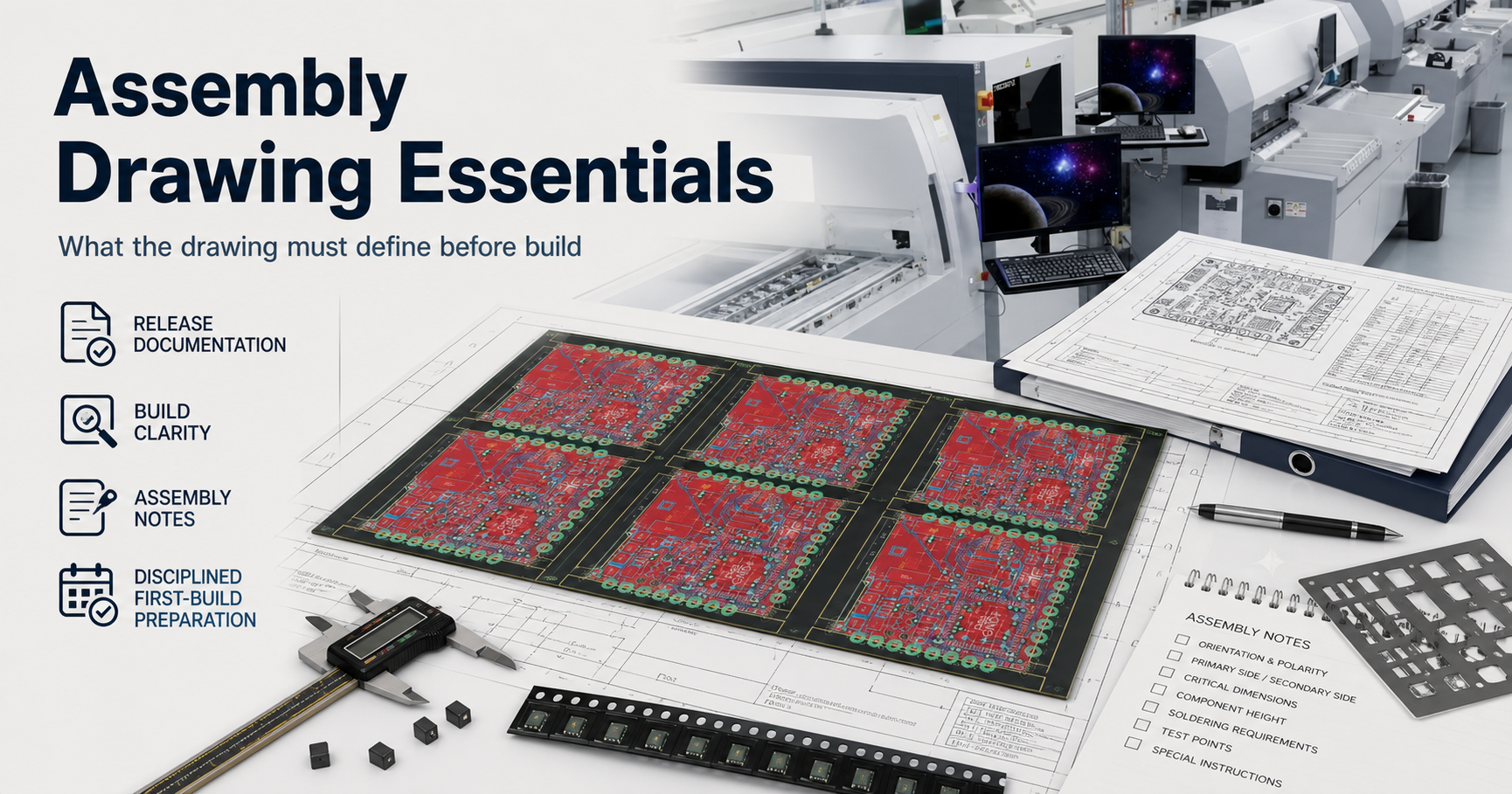
An assembly drawing is not simply a visual copy of the PCB layout. It is the document layer that allows manufacturing, inspection, and engineering teams to interpret the intended build without guessing.
A complete PCBA release package normally includes the BOM, Gerber or CAD outputs, centroid data, fabrication information, assembly drawing, inspection requirements, and test requirements. Each file has a different responsibility.
The assembly drawing should answer:
- Where does each component belong?
- Which side of the board is assembled?
- How should orientation-sensitive parts be installed?
- Which components are optional, omitted, or variant-controlled?
- Which process instructions require special attention?
A board can have correct Gerbers and a valid BOM but still fail during NPI if the assembly drawing leaves polarity, reference locations, variant boundaries, or special handling unclear.
Quick Answer
Assembly drawing essentials are the details that prevent interpretation drift before PCBA build: clear component locations, polarity indicators, reference designators, assembly-side definition, special process notes, variant visibility, and revision alignment. The drawing does not replace the BOM, centroid file, or test plan. It connects those documents into one understandable manufacturing intent.
For the broader quality process, see the PCBA Assembly Test and Quality Guide.
Table of Contents
- What should an assembly drawing define before PCBA build?
- What information belongs in an assembly drawing?
- Which assembly drawing decisions create the highest manufacturing risk?
- How should the drawing align with BOM and placement data?
- Assembly drawing release checklist
- What should be frozen before RFQ and first build?
- Next steps with APTPCB
- FAQ
- Public references
- Author and review information
What should an assembly drawing define before PCBA build?
Before the first production build, the assembly drawing should define the information that a human reviewer needs to confirm the intended assembly.
The first review points are:
| Review area | Drawing responsibility | Remaining ownership |
|---|---|---|
| Component placement | Show reference locations and assembly context | BOM owns component identity |
| Orientation | Show polarity, pin-1, and keyed direction | CAD libraries own footprint definition |
| Assembly side | Identify top/bottom or primary/secondary side | Manufacturing route owns process sequence |
| Population | Clarify installed, DNP, and variant-controlled items | BOM owns part selection |
| Special processes | Identify coating, hand solder, selective solder, or handling notes | Process documents define execution details |
| Revision control | Match released package version | Configuration system owns revision authority |
A useful drawing creates one interpretation of the build intent. It does not attempt to duplicate every manufacturing document.
What information belongs in an assembly drawing?
A release-ready assembly drawing normally contains five essential information groups.
1. Component location and reference designators
Reference designators connect the drawing to the BOM, schematic, and physical board.
Examples:
- R1, R2 for resistors
- C1, C2 for capacitors
- U1 for integrated circuits
- J1 for connectors
The drawing should make these references readable enough for:
- SMT setup review
- first article inspection
- troubleshooting
- production feedback
When reference designators are inconsistent between files, operators lose time checking whether the drawing, BOM, and machine data describe the same assembly.
2. Polarity and orientation definition
Orientation-sensitive components require clear visual guidance.
Typical examples include:
- IC pin-1 indicators
- diodes and LEDs
- polarized capacitors
- connectors with keyed orientation
- switches and mechanical parts
The drawing should make the intended direction obvious even when:
- the silkscreen is crowded
- alternate components are approved
- package markings differ between suppliers
For a dedicated orientation guide, see SMT Component Polarity.
3. Assembly side and process information
The drawing should clearly identify:
- top-side assembly
- bottom-side assembly
- mixed SMT/THT populations
- hand-inserted components
- selective solder requirements
- post-reflow installation steps
Mixed-process boards often fail when process intent exists only in engineer communication instead of the released document package.
For process-route context, see Mixed Assembly Planning.
4. Variant and DNP visibility
Modern PCBAs frequently use one PCB design for multiple products.
The assembly drawing should help reviewers understand:
- which components are populated
- which locations are intentionally empty
- which options belong to a product variant
This prevents incorrect loading decisions during setup.
5. Revision and release status
A drawing only has value when it belongs to the same revision state as the rest of the manufacturing package.
The released drawing should match:
- BOM revision
- PCB revision
- centroid revision
- assembly notes revision
Which assembly drawing decisions create the highest manufacturing risk?
The largest problems usually come from ambiguous interpretation rather than missing artwork.
| Failure mode | Root cause in documentation | Production impact |
|---|---|---|
| Reversed polarity component | Orientation not clearly defined | Functional failure, rework, possible scrap |
| Wrong variant population | DNP or optional items unclear | Incorrect product configuration |
| Connector installed incorrectly | Key direction not visible | Mechanical and electrical mismatch |
| Mixed-process confusion | Special routing not documented | Assembly delay and operator questions |
| Revision mismatch | Old drawing used with new BOM | Incorrect build execution |
A weak drawing often creates a delayed failure chain:
- operator interprets an unclear instruction
- setup data follows the assumption
- first article inspection discovers the mismatch
- production schedule is delayed while documents are corrected
The purpose of the assembly drawing is to stop that chain before manufacturing begins.
How should the drawing align with BOM and placement data?
The assembly drawing should support other release files without replacing them.
| Package file | Primary purpose |
|---|---|
| BOM | Defines component identity, approved alternates, lifecycle status, and population |
| Assembly drawing | Defines human-readable placement interpretation |
| Placement data | Defines machine coordinates, rotation, and automated assembly input |
| Test plan | Defines electrical and functional verification |
| Fabrication files | Define PCB construction |
A strong release package keeps these boundaries clear.
The recommended review sequence is:
- Confirm BOM population and alternate approval.
- Confirm assembly drawing orientation and placement clarity.
- Confirm centroid data matches the same revision.
- Confirm inspection and test expectations before production release.
For BOM control guidance, see:
- Assembly BOM Best Practices
- Testing & Quality
- First Article Inspection
- PCBA Assembly Test and Quality Guide
Assembly drawing release checklist
Before sending a PCBA package to a supplier, review these decision points:
| Check item | Release question |
|---|---|
| Reference designators | Does every assembly location match BOM and placement data? |
| Polarity marks | Can every orientation-sensitive part be installed without interpretation? |
| Side definition | Are top and bottom assembly views clearly identified? |
| Variant control | Can production distinguish installed and omitted items? |
| Process notes | Are special assembly steps visible? |
| Revision block | Does the drawing match the released package? |
| Inspection support | Can FAI and quality teams use the drawing effectively? |
This checklist converts the assembly drawing from a passive document into an active release-control tool.
What should be frozen before RFQ and first build?
Before RFQ, pilot build, or production release, freeze:
- assembly drawing revision
- BOM revision
- placement data revision
- polarity and orientation requirements
- variant and DNP definitions
- special process instructions
- inspection expectations
A drawing that continues changing during manufacturing preparation increases supplier questions and increases the chance that different teams use different build interpretations.
Next steps with APTPCB
If your PCBA release package includes multiple variants, alternate components, polarity-sensitive devices, or mixed assembly processes, the assembly drawing should be reviewed before production setup begins.
Send the Gerber, BOM, centroid file, and assembly drawing under review to [email protected], or upload the package through the quote page.
APTPCB can perform an Assembly Interpretation & Release Package Review covering:
- polarity visibility
- reference consistency
- variant boundaries
- drawing-to-BOM alignment
- NPI documentation readiness
Additional resources:
FAQ
Can the assembly drawing replace the BOM?
No. The BOM defines component identity and population control. The assembly drawing defines how the intended build should be interpreted.
What is the most important assembly drawing detail?
Polarity and orientation visibility are usually the highest-impact details because incorrect installation can create immediate functional failures.
Should DNP information appear on the assembly drawing?
When DNP or variant information affects build interpretation, the drawing should make those differences visible.
Why does revision alignment matter?
A correct drawing attached to the wrong BOM or placement revision can still create an incorrect build.
What is the purpose of an assembly drawing?
Its purpose is to communicate manufacturing intent clearly enough that assembly, inspection, and engineering teams work from the same interpretation.
Public references
Author and review information
- Author: APTPCB PCBA release-package content team
- Technical review: Assembly documentation, polarity, and NPI review team
- Last updated: 2026-05-13