
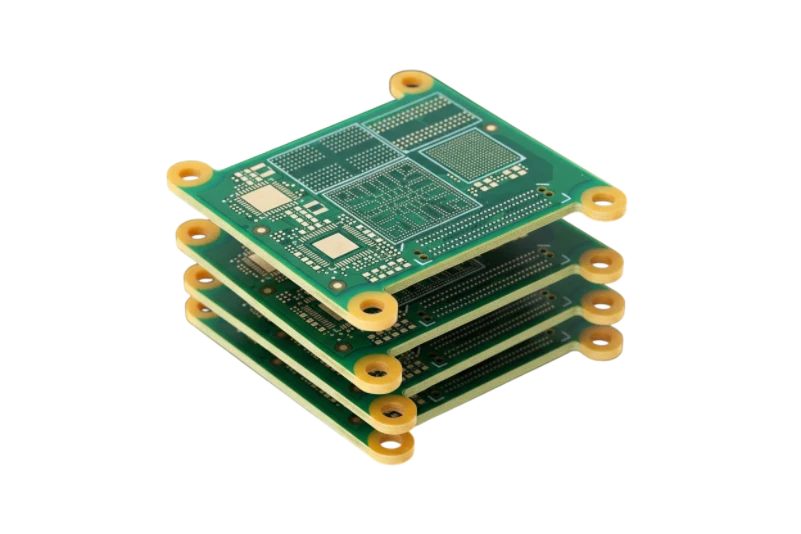
Brain Training PCB quick answer (30 seconds)
Developing a Brain Training PCB (used in neurofeedback, EEG headsets, or tDCS devices) requires strict adherence to signal integrity and user safety protocols. Unlike standard consumer electronics, these boards process microvolt-level biological signals and often directly contact the user.
- Signal Integrity is Paramount: Brain signals (EEG) are typically 10-100 µV. The PCB layout must prioritize analog ground planes and separate digital switching noise to maintain a high Signal-to-Noise Ratio (SNR).
- Safety Isolation: For devices delivering stimulation (tDCS), galvanic isolation and strict creepage/clearance distances are mandatory to prevent electric shock (IEC 60601 standards).
- Material Selection: Use high-reliability materials like FR4 with high Tg or Polyimide for wearables. APTPCB (APTPCB PCB Factory) recommends ENIG surface finishes to ensure flat pads for fine-pitch components and corrosion resistance.
- Miniaturization: Most brain training devices are wearable. High Density Interconnect (HDI) techniques, including blind/buried vias, are often necessary to fit complex Analog Front Ends (AFE) into compact housings.
- Cleanliness: Ionic contamination on the bare board can cause leakage currents that distort high-impedance sensor readings. Strict washing protocols are required.
When Brain Training PCB applies (and when it doesn’t)
Identifying whether your project requires medical-grade manufacturing standards or standard consumer processes is the first step in cost control and risk management.
When to use specialized Brain Training PCB manufacturing:
- Neurofeedback Headsets: Devices measuring EEG waves for meditation, focus training, or gaming control.
- tDCS/tACS Devices: Hardware applying low current to the brain for cognitive enhancement or depression treatment.
- Brain Computer Interface (BCI): Systems translating neuronal activity into external commands, requiring extremely low latency and noise.
- Sleep Monitoring Masks: Wearables tracking REM cycles via forehead electrodes.
- Research Data Loggers: High-channel-count boards used in neuroscience labs.
When standard PCB processes are sufficient (Not Brain Training specific):
- Peripheral Accessories: Bluetooth dongles or charging docks that do not process the biological signal directly.
- Simple Heart Rate Monitors: While biological, the ECG/PPG signal is stronger and less sensitive to noise than EEG.
- Educational Toys: Basic "mind-controlled" toys with low resolution where signal artifacts are acceptable.
- Software-Only Solutions: Apps that rely on third-party hardware; the software developer does not handle the PCB.
Brain Training PCB rules and specifications (key parameters and limits)
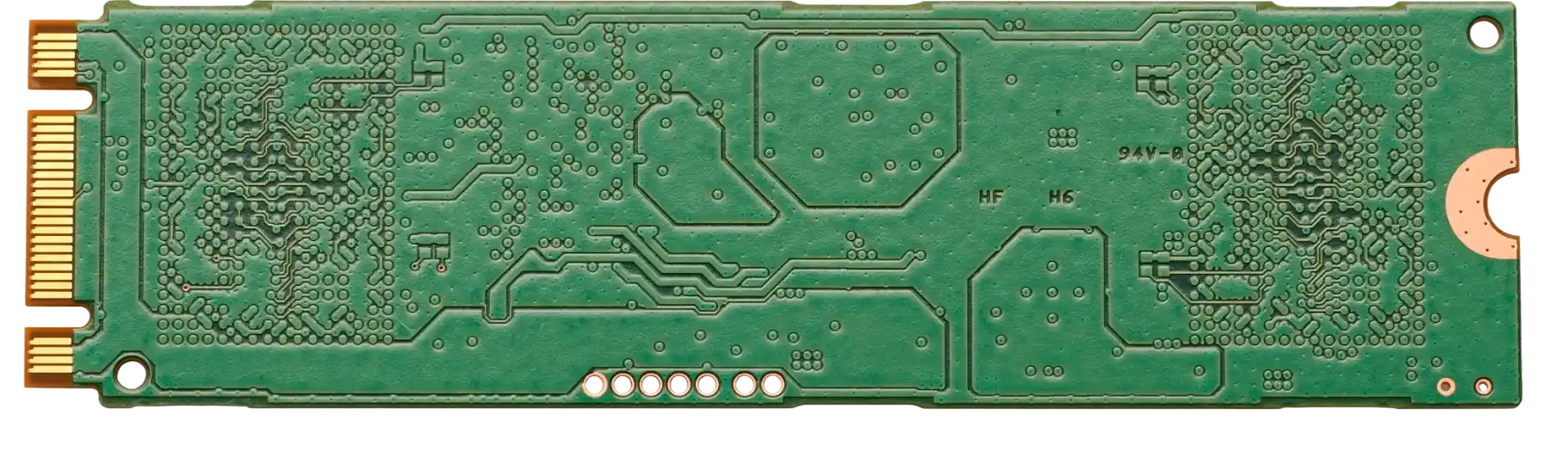
The following table outlines the critical manufacturing parameters for a functional and safe Brain Training PCB. Deviating from these rules often leads to noisy data or safety failures.
| Rule | Recommended Value/Range | Why it matters | How to verify | If ignored |
|---|---|---|---|---|
| Trace Width/Space | 3 mil / 3 mil (0.075mm) | Essential for routing high-channel AFEs in compact wearables. | AOI (Automated Optical Inspection) | Short circuits or inability to route all channels. |
| Impedance Control | 50Ω (Single), 90Ω/100Ω (Diff) ±5% | Ensures data integrity for USB/Bluetooth transmission of brain data. | TDR (Time Domain Reflectometry) | Data packet loss or high latency in BCI commands. |
| Leakage Current | < 10 µA (System level) | Critical for patient safety during skin contact. | Hi-Pot Testing / Megger Test | User shock risk; failure to pass medical certification. |
| Analog/Digital Isolation | > 2mm separation (or split planes) | Prevents digital clock noise from swamping microvolt EEG signals. | Visual Inspection / Gerber Review | Unusable signal; 50/60Hz noise dominance. |
| Surface Finish | ENIG or ENEPIG | Provides flat surface for BGA sensors; oxidation resistance. | X-Ray Fluorescence (XRF) | Poor solder joints on fine-pitch AFEs; signal degradation over time. |
| Via Type | Blind/Buried (HDI) | Reduces layer count and stubs that act as antennas. | Cross-section analysis | Increased board size; higher susceptibility to EMI. |
| Solder Mask Color | Matte Green or Black | Matte finish reduces eye fatigue during manual assembly/inspection. | Visual Check | Minor impact, mostly aesthetic/process ease. |
| Copper Weight | 0.5 oz to 1 oz | Thinner copper allows finer etching for dense signal routing. | Micro-sectioning | Over-etching risks on fine lines if copper is too thick. |
| Cleanliness | < 1.56 µg/cm² NaCl eq. | Ionic residues create parasitic paths in high-impedance circuits. | ROSE Test (Ionic Contamination) | Signal drift; erratic baseline in EEG data. |
| Layer Count | 4 to 8 Layers | 4 is minimum for dedicated ground/power planes. | Stackup Report | Poor EMI shielding; noisy signal. |
Brain Training PCB implementation steps (process checkpoints)

Moving from a schematic to a finished Brain Training PCB requires a disciplined workflow to avoid costly respins.
Schematic Capture & Component Selection:
- Select low-noise instrumentation amplifiers or dedicated EEG AFE chips (e.g., TI ADS1299).
- Define separate grounds (AGND for analog, DGND for digital) and a single star point connection.
- Check: Verify all passive components in the signal path have low thermal noise specifications.
Stackup Design & Material Selection:
- Choose a 4+ layer stackup. Place the signal layer adjacent to a solid ground plane.
- For wearables, consider Flex PCB or Rigid-Flex to conform to the head shape.
- Check: Confirm dielectric constant (Dk) stability with the manufacturer if high-frequency wireless data transmission is involved.
Layout & Routing (The Critical Phase):
- Route sensitive analog traces (EEG inputs) as short as possible and shield them with ground pours.
- Keep DC-DC converters and Bluetooth antennas far from the analog inputs.
- Check: Run DRC (Design Rule Check) for creepage distances required by medical standards (e.g., IEC 60601-1).
DFM Review with APTPCB:
- Submit Gerbers for a Design for Manufacturing review. Focus on aspect ratios for vias and minimum solder mask dams.
- Check: Resolve any "acid traps" (acute angles) in the layout that could cause etchant accumulation.
Fabrication & Surface Finishing:
- Execute the manufacturing process. Ensure the chosen finish (ENIG) is applied evenly.
- Check: Perform electrical testing (Flying Probe) on 100% of nets to ensure no opens/shorts.
Assembly (PCBA) & Cleaning:
- Use no-clean flux or water-soluble flux followed by aggressive washing.
- Check: Perform an ionic contamination test. Residue is the enemy of high-impedance brain sensors.
Functional Verification:
- Power up and measure the noise floor with inputs shorted.
- Check: Verify that the noise floor is below the LSB (Least Significant Bit) of your ADC.
Brain Training PCB troubleshooting (failure modes and fixes)
Even with good design, issues arise. Here is how to diagnose common failures in Brain Training PCBs.
Symptom: 50Hz/60Hz Mains Hum Dominates Signal
- Cause: Poor grounding, high impedance loops, or lack of shielding.
- Check: Verify the connection between the reference electrode and the PCB ground. Check for "ground loops" where multiple ground paths exist.
- Fix: Improve the shielding of electrode cables. Use a notch filter in hardware or firmware. Ensure the patient reference drive (Right Leg Drive) is functioning.
Symptom: Signal Drift or Wandering Baseline
- Cause: DC offset instability, often due to electrode polarization or board contamination.
- Check: Inspect the PCB for flux residue near the AFE inputs.
- Fix: Clean the PCB thoroughly with isopropyl alcohol and ultrasonic cleaning. Switch to non-polarizable electrode materials (Ag/AgCl).
Symptom: High Frequency Noise Spikes
- Cause: Digital switching noise coupling into analog lines.
- Check: Look at the layout. Do digital traces cross over a split in the ground plane?
- Fix: Reroute traces to ensure they have a continuous return path. Add ferrite beads on power lines feeding the analog section.
Symptom: Device Resets During Wireless Transmission
- Cause: Power supply dip when the Bluetooth/Wi-Fi module transmits (high current burst).
- Check: Monitor the 3.3V rail with an oscilloscope during transmission.
- Fix: Add bulk capacitance (tantalum or polymer capacitors) near the wireless module. Widen power traces.
Symptom: Skin Irritation or Safety Failure
- Cause: Excessive leakage current or material reaction.
- Check: Measure leakage current from patient inputs to ground.
- Fix: Increase isolation barriers. Ensure all PCB materials and solders are RoHS compliant and biocompatible if exposed.
How to choose Brain Training PCB (design decisions and trade-offs)
Selecting the right architecture for your Brain Training PCB involves balancing comfort, signal quality, and cost.
Rigid vs. Flex vs. Rigid-Flex
- Rigid PCB: Lowest cost, standard FR4. Best for stationary devices or the main processing unit of a headset. Trade-off: Bulky; hard to fit into ergonomic curves.
- Flex PCB: Made of Polyimide. Can bend to fit the headband or electrode array. Trade-off: Higher cost; requires stiffeners for component assembly.
- Rigid-Flex: Combines both. The best solution for high-end EEG headsets where the electronics must wrap around the head. Trade-off: Most expensive and longest lead time.
Discrete Components vs. Integrated AFE
- Discrete (Op-Amps): Allows custom tuning of gain and bandwidth. Trade-off: Takes up more board space; higher component count increases failure risk.
- Integrated AFE (SoC): Single chip solutions (e.g., ADS1299). Drastically reduces PCB size and noise. Trade-off: Higher BOM cost per unit; supply chain dependency.
Wired vs. Wireless
- Wired (USB): Infinite power, high data rate. Trade-off: Tethered user experience; requires expensive isolation circuitry (USB isolators) for safety.
- Wireless (BLE/Wi-Fi): Battery powered, inherently isolated (safer). Trade-off: Battery life constraints; PCB must handle RF layout challenges.
Brain Training PCB FAQ (cost, lead time, common defects, acceptance criteria, Design for Manufacturability (DFM) files)
1. How much does a prototype Brain Training PCB cost? Cost depends on complexity. A standard 4-layer rigid board is inexpensive ($50-$100 for prototypes), but a 6-layer Rigid-Flex with HDI can cost $500+ for a small batch due to tooling.
2. What is the typical lead time for these boards? Standard rigid PCBs take 3-5 days. Complex Medical PCB designs or Rigid-Flex boards typically require 10-15 days for fabrication to ensure quality control and impedance testing.
3. Do I need specific certification for manufacturing? The PCB factory should be ISO 13485 certified if the device is a Class II medical device. For consumer "wellness" devices, standard ISO 9001 is often sufficient, but IPC Class 2 or 3 standards should be applied.
4. What are the acceptance criteria for Brain Training PCBs? Acceptance is based on IPC-A-600 Class 2 or 3. Key criteria include: no exposed copper on tracks, hole wall integrity (no voids), and strict impedance tolerance (±5% or ±10%).
5. Why is my EEG signal noisy even with a good PCB? It could be the cables or electrodes. However, on the PCB side, check for "ground bounce" or insufficient decoupling capacitors near the AFE.
6. Can APTPCB handle the assembly of fine-pitch BGA sensors? Yes. Brain training chips often come in BGA or CSP packages. We use automated optical inspection (AOI) and X-Ray inspection to verify solder joints under these components.
7. What files do I need to send for a quote? Send Gerber files (RS-274X), a Drill file, the BOM (Bill of Materials) for assembly, and a "ReadMe" file specifying the stackup, impedance requirements, and any special washing instructions.
8. How do I ensure the PCB is safe for skin contact? Ensure the PCB design follows IEC 60601-1 creepage and clearance rules. Use lead-free (RoHS) HASL or ENIG finishes. If the PCB itself touches skin, use biocompatible solder mask.
9. What is the best material for Brain Implant PCBs? For implants, standard FR4 is toxic. You must use biocompatible materials like Polyimide or Liquid Crystal Polymer (LCP), often encapsulated in medical-grade silicone or titanium.
10. How does HDI technology help Brain Training devices? HDI PCB technology allows for smaller vias and tighter routing. This reduces the physical size of the board, making the headset lighter and more comfortable for the user.
11. Can you perform functional testing (FCT) on these boards? Yes. We can build a test fixture (bed of nails) to simulate brain signals and verify the board's output before shipping.
12. What is the difference between Brain Monitoring and Brain Training PCBs? Hardware-wise, they are similar. Monitoring (diagnostic) requires higher accuracy and regulatory approval. Training (neurofeedback) focuses more on real-time processing and consumer usability.
Resources for Brain Training PCB (related pages and tools)
- Medical PCB Manufacturing: Deep dive into ISO 13485 standards and reliability for healthcare electronics.
- Rigid-Flex PCB Capabilities: Explore the best form factor for ergonomic head-mounted displays and sensors.
- PCB Testing & Quality: Learn about the testing protocols (AOI, X-Ray, FCT) that ensure your device works every time.
- HDI PCB Technology: Understand how to miniaturize your design for sleek wearable applications.
Brain Training PCB glossary (key terms)
| Term | Definition |
|---|---|
| AFE (Analog Front End) | The circuitry that interfaces directly with the sensors (electrodes) to amplify and filter signals. |
| EEG (Electroencephalography) | A method to record an electrogram of the electrical activity on the scalp. |
| tDCS | Transcranial Direct Current Stimulation; a form of neurostimulation using constant, low current. |
| 10-20 System | An internationally recognized method to describe the location of scalp electrodes. |
| Impedance | The effective resistance of an electric circuit or component to alternating current, critical in EEG electrodes. |
| Common Mode Rejection Ratio (CMRR) | The ability of the amplifier to reject signals common to both inputs (like 50/60Hz noise). |
| Active Electrode | An electrode with a pre-amplifier built directly into it to reduce noise before the signal reaches the PCB. |
| Galvanic Isolation | Isolating functional sections of electrical systems to prevent current flow; crucial for safety. |
| BCI (Brain-Computer Interface) | A direct communication pathway between an enhanced or wired brain and an external device. |
| Dry Electrode | Electrodes that do not require conductive gel, often requiring higher impedance input PCBs. |
Request a quote for Brain Training PCB (Design for Manufacturability (DFM) review + pricing)
Ready to manufacture your neurofeedback or BCI device? APTPCB provides specialized engineering support to ensure your Brain Training PCB meets strict noise and safety requirements.
What to include in your quote request:
- Gerber Files: Complete set including copper, solder mask, and silkscreen layers.
- Stackup Diagram: Specify layer order and impedance control requirements (e.g., 50Ω traces).
- Fabrication Drawing: Include notes on IPC class (Class 2 or 3), surface finish (ENIG recommended), and cleanliness standards.
- Assembly BOM: If you need PCBA, provide a Bill of Materials with manufacturer part numbers.
- Volume: Prototype quantity (e.g., 5-10 units) vs. mass production estimates.
Click here to Request a Quote – Get a full DFM review and pricing within 24 hours.
Conclusion (next steps)
Successfully manufacturing a Brain Training PCB requires more than just connecting components; it demands a rigorous approach to signal integrity, safety isolation, and mechanical fit. Whether you are building a consumer meditation headset or a clinical Brain Computer Interface, the quality of your PCB directly dictates the quality of the data you capture. By following the rules for impedance control, proper grounding, and cleanliness, you can eliminate noise and ensure a reliable product. Partnering with an experienced manufacturer ensures these critical specifications are met from the first prototype.